Exchange in both directions
Clients upload documents directly in the portal and assign them to a project or task. The brief arrives where the team works.
Client data room
The OOKI client data room is a shared place for project files. Your team and client exchange documents there. Visibility settings separate internal documents from shared content.
Try the demo (DE)Stays with your team
Only selected content
Released to the client
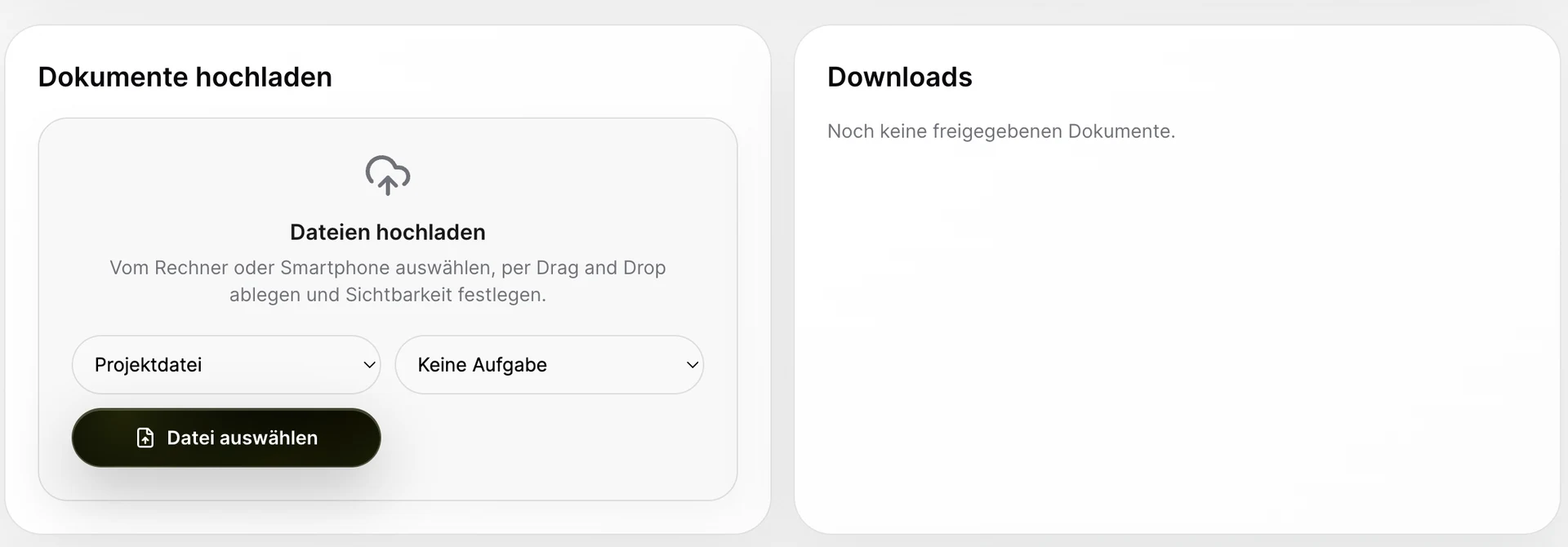
Clients upload documents directly in the portal and assign them to a project or task. The brief arrives where the team works.
The team view distinguishes internal files from client-visible files. A file in a project is therefore not automatically shared with the client.
Documents sit alongside tasks, service records and invoices. This makes it easier to link them to the assignment without implying an archiving guarantee from a file list.
Team or client
Upload a file to the right project and, if needed, assign it to a task.
Authorised team member
Distinguish internal content from the selection intended for clients.
Client
The portal brings together visible documents and download options.
The client data room is the project space for exchanging documents between your team and the client. Briefs, deliverables and other files belong to their project. You decide which content stays internal and which content the client can see.
Yes. The client portal has an upload area and a download area for shared files. Clients can associate files with the relevant project or task. An agency can receive a brief and image assets directly in the context of the assignment.
Keep the calculation marked as internal and share only documents intended for the client. Uploading a file does not itself grant client access. Check the client view afterwards; internal notes and cost documents should remain outside the shared selection.
When an assignment involves many incoming documents and outgoing deliverables, the project connection keeps them organised. A practical sequence is to collect source documents, work on them internally and then share the selected results presentation with the client.
There is no evidence for that claim. File exchange, versioning and audit-proof archiving are different requirements.
Open the example demo and compare internal documents with those in the client portal.
Try the demo (DE)