Part of the project
The record overview shows the project, period, hours and net amount. These details provide the document with its context.

Service records
An OOKI service record brings together project services for a specific period. It adds a separate review step between recorded work and the invoice. Preview and editing are available directly from the record.
Try the demo (DE)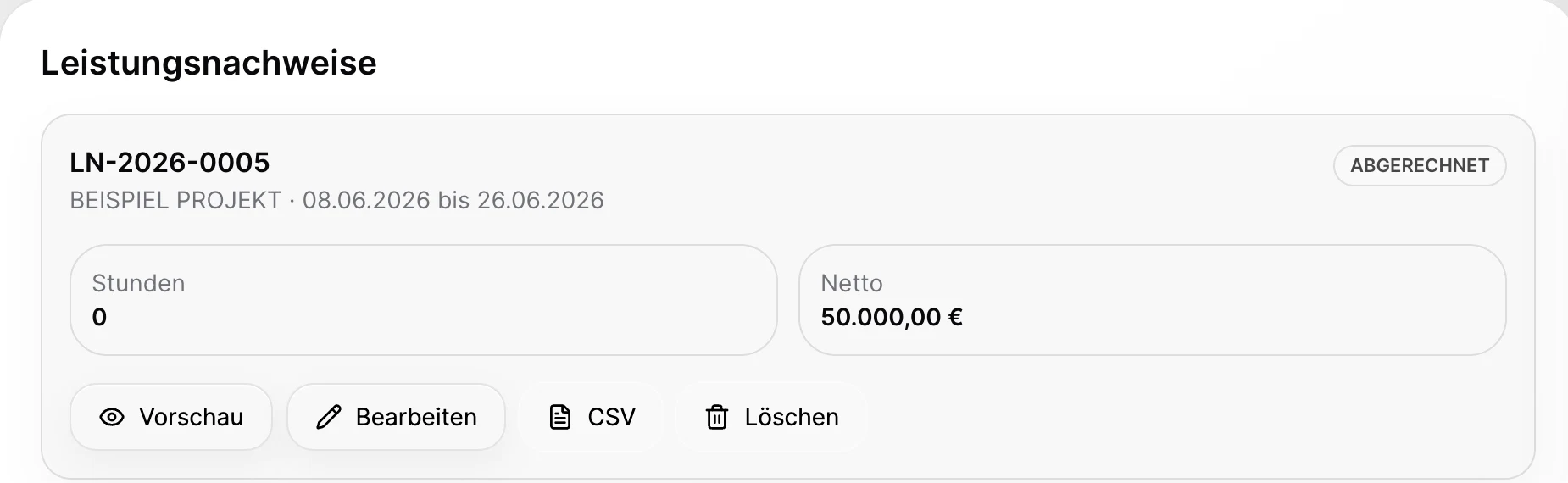
The record overview shows the project, period, hours and net amount. These details provide the document with its context.
Preview the record, edit the services and use the CSV export for further processing. Review and sending remain separate steps.
The client portal has a service records section. The records shown there must match the project's sharing settings.
Project lead
Check time entries and the project period as the basis for the service record.
Project lead
Create a record in the project context and check it in the preview.
Billing
Keep the connection to the later invoice draft. Consider approval and billing status separately.
A visible status alone does not explain who can formally approve a service. The exact role and transition to billing must fit the project process you actually use.
A service record summarises completed work for a defined project period. In OOKI it has its own state, project reference, period, hours and amount. Agencies and consultancies can use it to explain the work before issuing an invoice.
First check the relevant time entries and services. Compile the required period and review descriptions, hours and agreed terms. The record provides a reviewable account of the work; client approval is a separate subsequent step.
The service record describes the work. Approval records a decision about the submitted content. The invoice is a billing document with its own required information and line items. None of these automatically replaces the other two.
Check the client, project, period, activities, hours and amounts. Look out for non-billable or already billed work. Internal calculations and notes should not form part of the version intended for the client.
CSV export supports further processing in a spreadsheet. Match the columns you need to your billing process; the client-facing record can be reviewed separately.
Create a service record in the demo and review its items before billing.
Try the demo (DE)